Expenses
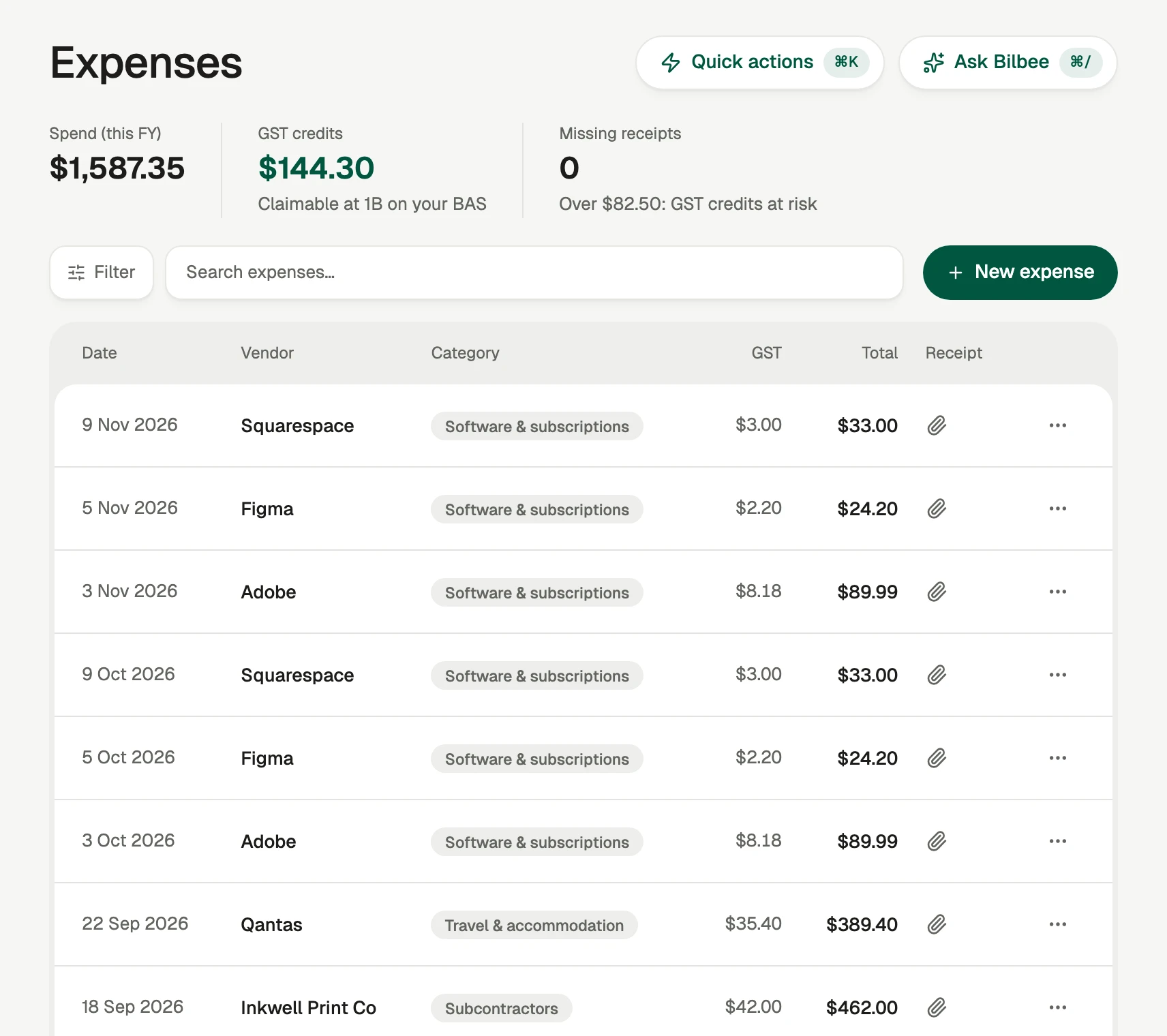
The Expenses page is your record of business costs, for this financial year by default. The totals at the top are what you spent, the GST credits you can claim at 1B on your BAS (when you're registered for GST), and Missing receipts. Filter by period, category or client, or search.
To review at the top holds drafts waiting for you: receipts you forwarded or photographed on your phone, and expenses a connected app added. Review opens one to check and save; Discard deletes it. Drafts don't count in your books, totals or BAS until you save them. A long list shows its first five, and Show all lists the rest. A draft with the same supplier, amount and date as another is marked Likely a copy (often a supplier's invoice beside its receipt), and Discard copies deletes those after you confirm, keeping the one with the file attached.
New expense records one by hand. Each row's menu has Edit and Delete. There's no expense export on this page; Export all data (.zip) on your Account page includes them, and so does the EOFY pack on the tax page.